Keeping your smart kitchen devices clean doesn’t have to be a chore. In fact, it can be pretty straightforward! A little care goes a long way in making sure your gadgets last and work their best. Here are some easy tips to help you get started.
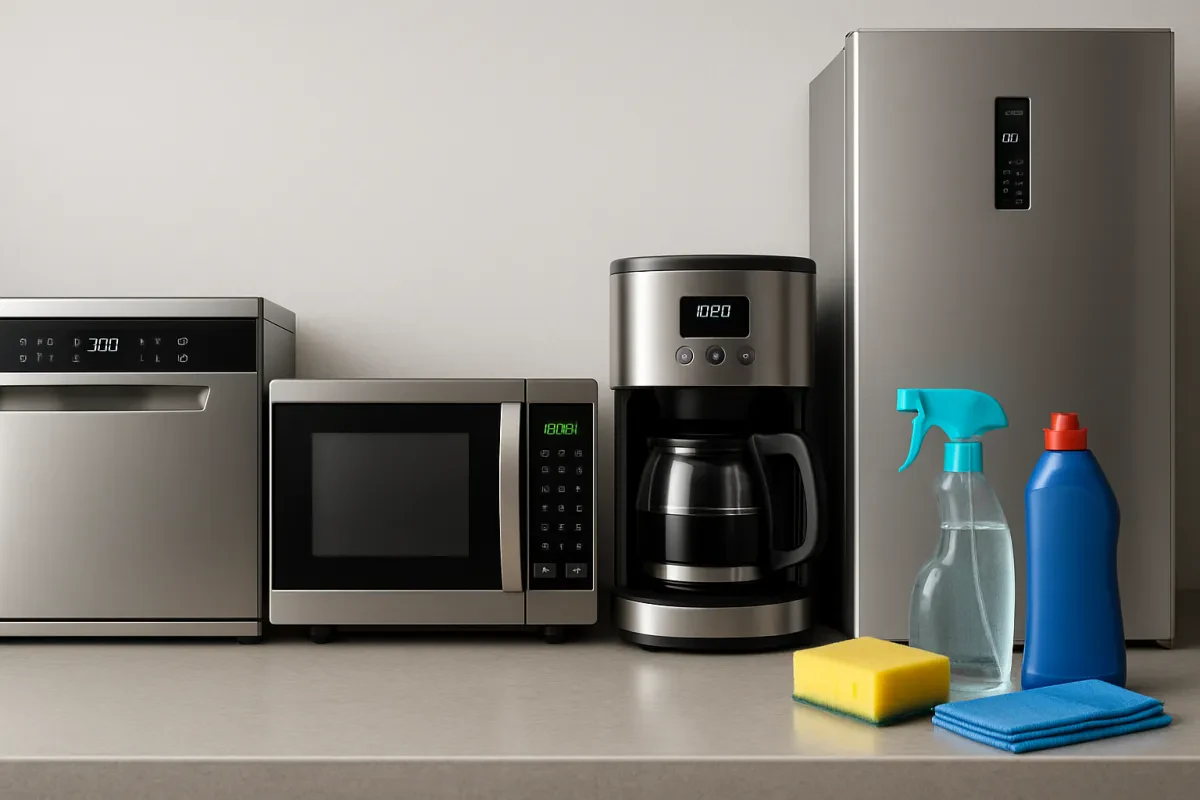
First, always unplug your appliances before cleaning them. This is important for safety. Wipe down the exterior with a damp cloth, but don’t use abrasive cleaners or scrubbers, as they can scratch the surface. For tough spots, gentle soap and water do the trick.
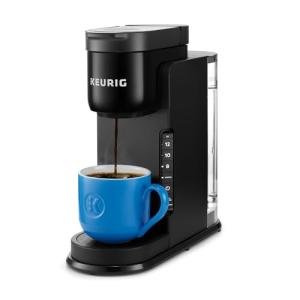
Don’t forget about the insides! For items like air fryers or coffee makers, make sure to remove any parts that can be washed separately. A quick soak in warm, soapy water can get rid of stubborn grime. Rinse them well and let them dry before putting everything back together.
Finally, pay attention to those screens and touch pads. Use a microfiber cloth to keep them free from fingerprints. For added shine, a little glass cleaner (just be careful to not spray directly onto the screen) will do wonders. Regular maintenance keeps those devices looking sharp and functioning well.
Best Practices for Storage
Taking care of your smart kitchen gear starts with how you store it. A little attention here can keep your gadgets in top shape and ready to go whenever you need them.
First off, make sure to keep everything clean and dry. Moisture can cause all kinds of trouble, especially with electronics. Wipe down appliances before storing them, and make sure they're completely dry. No one wants a moldy blender or a rusted air fryer!
Think about the space you’re using too. Store items in a cool, dry place, away from direct sunlight. Heat can mess with the internal electronics and shorten the lifespan. If you’ve got a crowded kitchen, consider using stackable organizers, so your gear doesn’t get jumbled up and scratched.
Also, check the manufacturer’s instructions. Some appliances might have special storage tips. For instance, removing the cords or components that aren't needed for storage helps prevent wear and tear. This little step saves your gadgets from damage and keeps everything organized.
Lastly, label your storage bins if you have them. When you're in a rush to whip up dinner, it helps to know exactly where your trusty air fryer or Instant Pot is hiding. A quick glance saves you time and stress!
Regular Maintenance Tips You Need
Keeping your smart kitchen appliances in top shape isn’t just about using them carefully; regular maintenance plays a big role too! Here are some easy tips to ensure your gadgets last longer and perform better.
First things first, start with the basics: cleaning. Wipe down surfaces after each use. Stains and spills can build up and affect performance. For touchscreen models, a soft cloth and a little vinegar or screen cleaner work wonders. Don’t forget to check the manual for any specific cleaning instructions too!
Next, inspect your appliances regularly. Look for any signs of wear and tear like frayed cords or loose buttons. If something seems off, address it sooner rather than later. A little issue now could turn into a bigger problem down the line.
Lastly, keep the user manuals handy. They can be lifesavers when it comes to troubleshooting or maintenance tips. Some appliances might require firmware updates, which can improve performance or add new features. A quick check online can often save a lot of headaches!
Troubleshooting Common Issues
We've all been there: your shiny new smart kitchen gadget isn’t working like it should. Don't sweat it! Here are some common issues and simple fixes that can save you a headache.
Wi-Fi Connection Problems
If your smart appliance won’t connect to Wi-Fi, first check your router. Sometimes a quick restart does the trick. Make sure your appliance is within range of the router too. If it's too far away, it may struggle to get a signal. A good tip is to move it closer, try connecting again, and see if it works!
App Not Syncing
Is your kitchen gadget's app acting up? Make sure you have the latest version installed. Updates can fix bugs and improve connectivity. If it’s still being stubborn, try deleting the app and reinstalling it. It’s like giving your device a fresh start!
Device Not Responding
Sometimes appliances just need a little reset. Unplug it for about 30 seconds, then plug it back in. This can help clear up any temporary glitches. If that doesn’t work, check if any other appliances are messing with the power supply. Maybe you have too many things plugged into one outlet!
Take a few moments to troubleshoot these common issues. You’ll have your smart kitchen gear back in action in no time. Happy cooking!